 Clear
ClearClearFrame Design · Version 1.0
Clarity, by design.
The brand asset and standards library for every ClearFrame surface — the desktop workspace on macOS, Windows and Linux, this website, and the iPhone and Android companions. One type scale, one token set, one set of accessibility obligations, published so the people building with ClearFrame can match it exactly.
Source of truth for design decisions. Last updated .
01Foundations
Four principles decide most questions on this system. When a new surface contradicts one of them, the principle wins and the surface changes.
Quiet by default
Surfaces are calm and the accent is scarce. Colour carries meaning, so a page that uses it everywhere has stopped communicating. The accent marks the primary action, the current position, and focus — nothing else.
Honest status
State is described in words, never by colour alone. "Tests passed" is readable with colour removed; the green is reinforcement, not the message. Progress must reflect work that actually happened.
Density where precision matters
Task and review surfaces run dense, because scanning a diff is the job. Decision surfaces get room. Density is a deliberate choice per surface, not a global setting.
Nothing is a dead end
Every state offers a way forward or a way back. A failed check explains itself, an unrecoverable action warns first, and recovery is reachable from the same place the mistake was made.
02Colour
Colour is defined once as Material role tokens and consumed by role, never by hex value. Both themes satisfy the same contrast obligations, so a component cannot look correct in one theme and fail in the other. The chips below render the live token, so they follow the theme you select in the header.
- Accent
- --blue → --cf-brand-blue
- Use for
- Primary action, focus ring, current position
- Surface
- --md-sys-color-surface-container
- Use for
- Cards, panels, secondary chrome
- Elevated
- --md-sys-color-surface-container-highest
- Use for
- Popovers, menus, raised rows
- Text
- --md-sys-color-on-surface
- Use for
- Primary copy and headings
- Muted text
- --md-sys-color-on-surface-variant
- Use for
- Supporting copy, metadata, hints
- Outline
- --md-sys-color-outline-variant
- Use for
- Dividers, card borders, inactive tracks
| Role | Token | Obligation |
|---|---|---|
| Accent | --md-sys-color-primary | Primary action and focus only. Never the sole carrier of state. |
| Surface | --md-sys-color-surface-container-low | Panels that group related content. |
| Text | --md-sys-color-on-surface | Body and heading copy. 4.5:1 minimum against its surface. |
| Muted | --md-sys-color-on-surface-variant | Metadata and hints only, never essential instructions. |
| Outline | --md-sys-color-outline-variant | Separators and container edges. Never a text colour. |
| Success | --cf-success | Pairs with a check glyph and a word. Never colour alone. |
| Danger | --cf-danger | Destructive action or failed check. Always accompanied by text. |
The canonical values live in
tokens.json and are applied by
/m3-tokens.css. Editing a token there changes every surface at
once; adding a hex value in a component is a defect.
03Typography
Instrument Sans for interface and prose, JetBrains Mono
for code, identifiers and numeric metadata. Both are self-hosted under the SIL
Open Font License, so no page depends on a third-party font host. The scale is
published as CSS custom properties in /clearframe-type.css.
Clarity, by design.
A coherent workspace
Review and integrate
Agents work in isolated copies of your project, so a suggestion does not land in your working tree until you integrate it.
Snapshot limits apply · 30,000 files or 512 MiB
const progress = verified;
Do
- Use the numbered custom property for every size, so a scale change reaches every surface.
- Keep body copy between 60 and 75 characters per line.
- Set numbers and identifiers in mono when they are compared vertically.
- Let one heading level carry one idea.
Don't
- Introduce a font size that is not on the scale.
- Use muted text for an instruction a reader must follow.
- Set body copy in the display weight to add emphasis.
- Justify text or letter-space lowercase body copy.
04Space & shape
A 4px rhythm governs spacing, radii and control sizes. Because every value is a multiple of four, components from different surfaces align without negotiation.
--cf-space-14px--cf-space-28px--cf-space-312px--cf-space-416px--cf-space-624px--cf-space-832px--cf-space-1248px--cf-space-1664px
| Token | Value | Applies to |
|---|---|---|
--cf-radius-small | 6px | Badges, chips, inline code |
--cf-radius-control | 10px | Buttons, fields, banners |
--cf-radius-card | 16px | Cards, panels, tables |
--cf-radius-dialog | 24px | Dialogs and sheets |
--cf-size-control | 36px | Minimum pointer-target height |
--cf-size-touch | 44px | Minimum touch target on iOS |
--cf-motion-fast | 120ms | Hover, press, small state changes |
--cf-motion-standard | 180ms | Entering and leaving surfaces |
--cf-motion-slow | 280ms | Layout and larger transitions |
05Components
Predictable at rest, unambiguous in motion. Each control has one purpose and a legible state, and every state is described in text as well as colour.
Actions
One primary action per view. A disabled control stays visible and keeps its label, so the reader can see what is unavailable rather than guessing.
Fields
Visible in your workspace. Errors are stated next to
the field, in words, and the field is marked aria-invalid.
Honest status
State always pairs a glyph or word with any colour. Illustrative states on this page are labelled; production status must reflect real work.
| State | Requirement |
|---|---|
| Rest | Legible against its surface at 4.5:1 for text, 3:1 for boundaries and icons. |
| Hover | A perceptible change that is not colour alone, and never the only affordance. |
| Focus | A visible ring at 2px offset using the accent, for keyboard and assistive use. |
| Active | Confirms the press within --cf-motion-fast. |
| Disabled | Reduced emphasis, label retained, and never the only explanation for why the action is unavailable. |
| Error | Text next to the control, plus aria-invalid and a described-by hint. |
06Standards
These are obligations rather than preferences. A surface that does not meet them is not finished, regardless of how it looks.
Accessibility
Target WCAG 2.2 AA. Body and control text at 4.5:1 minimum, large text and meaningful boundaries at 3:1. Every interactive element is reachable and operable by keyboard, and focus is always visible.
State is never conveyed by colour alone. Motion is never required to understand a state.
Language
Sentence case for headings, labels and buttons. Interface copy says what happened and what to do next: "Enter a complete repository URL" rather than "Invalid input".
Prefer the specific number to the adjective — "30,000 files or 512 MiB", not "large projects".
Motion
Motion explains a change of state; it never delays one. Interface transitions use the published motion tokens.
A prefers-reduced-motion reader gets the end state
immediately. Nothing loops, and nothing animates to draw attention to
itself.
Security of rendering
Every surface ships under the site Content Security Policy, which allows
scripts and styles from this origin only. Inline <style>
and <script> blocks will not run, so presentation and
behaviour live in external files.
That constraint is why this page loads design.css and
design.js rather than embedding them.
Theming
System, Light and Dark are all first-class. A component is only complete when it has been reviewed in both themes, and the choice persists between pages and tabs.
Colour is consumed by semantic role, so a theme change is a token change rather than a component change.
Truthfulness
Illustrative content is labelled as illustrative. Sample data is never presented as a real result, and a preview that does not perform the action says so.
This is the design expression of the product's own standard: claims should be checkable.
07Platforms
ClearFrame is the same product on macOS, Windows and Linux, and the same companion on iPhone and Android. The platform supplies the frame, the controls and the conventions; it does not get its own identity, its own type or its own palette. These are the rules that keep a screenshot from one platform recognisable as the same product on another.
Desktop window chrome
One strip at the top of the window, on every platform, at the published height. The operating system’s own controls sit at the edge that platform puts them, and nothing else is drawn under them.
macOS
Window controls at the leading edge, inside the strip. No title bar above it and no second row of chrome.
Windows
Minimise, maximise and close at the trailing edge, over the same strip. Dragging the strip moves the window.
Linux
The desktop’s own controls at the trailing edge. The strip’s height, colour and typography do not change with the desktop environment.
One identity
The mark, the type scale, the palette and the component geometry are identical on every platform. A platform does not get an illustration style, a corner radius or a colour of its own.
An application icon is derived from the approved marks rather than redrawn, and each platform is given the file format it reads.
The frame belongs to the platform
ClearFrame draws one strip of its own and nothing that the operating system owns. macOS puts its window controls at the leading edge of that strip; Windows and Linux put theirs at the trailing edge.
No control, label or status is placed under either area, and the strip’s height is a published token rather than a number chosen per platform.
The platform’s modifier is the platform’s modifier
Command on macOS, Control on Windows and Linux. Every shortcut is reachable without a pointer, every shortcut is discoverable where that platform lists shortcuts, and a combination the platform reserves is not taken from it.
Actions are named what the platform calls them
The same action is Reveal in Finder, Show in Explorer or Show in Files, because the person reading it knows their own computer’s words.
Nothing is described in another platform’s vocabulary, and no surface explains its own operating system back to the reader.
Type travels with the product
The interface ships its own typefaces on every platform. A surface must not change shape, wrap differently or fall back to a system font because a machine happens to lack one.
Where a platform offers a text-scaling or accessibility size, the layout scales with it rather than clipping.
An update is installed only where it can be checked
A running build replaces itself only where the operating system can verify that a download really is ClearFrame. Where that check is not available, the app reports that an update exists and opens the download page rather than installing something it cannot verify.
The app never asks anyone to trust a download more than their own platform does.
Platform settings are honoured
Reduced motion, increased contrast, text scaling and coarse-pointer target sizes follow each platform’s own settings. A preference set in the operating system is not overridden by a preference in the product.
Mobile companions
The iPhone and Android apps are the same companion in two native forms. They follow a workspace that runs on the reader’s own computer; they do not replace it, and neither of them is the primary place work happens.
The phone follows, it does not lead
A phone shows what a task is doing and answers what it asks. Work is started on the computer, where the project and its files are. A mobile surface that offers to start work in a project it cannot see is offering something it cannot do.
Pairing comes before anything else
Nothing is offered before there is a connection. An unpaired app explains how to pair and what the reader will get, rather than showing an empty workspace that looks broken.
The connection belongs to the reader’s own network and their own computer. It is never described as a cloud service, and no screen asks anyone to trust it further than their own machine.
The pairing pin is the identity
A desktop proves itself with the certificate the reader was shown when they paired, not with the name inside it. A name in a self-signed certificate is not evidence of anything — anyone can put any name in one — and a computer does not know the address it will have on the network it is joined to next.
So the pin is what is checked, on every connection, and a certificate that no longer matches ends the connection with the ordinary answer: pair again. Both companion apps follow this rule, and neither consults the certificate’s subject.
A phone finds a computer where the computer can say so
Where a platform can announce a service on the local network, the desktop announces itself and the companion discovers the computer with nothing typed. Where it cannot, the companion is given the address instead. Getting there by discovery is a convenience and never the only way in — an address always works, on every platform.
Every desktop announces the same service name, so one companion works with every computer rather than one companion per platform. A phone that can find one ClearFrame can find them all.
System chrome is drawn over the surface
Each platform lays its own bars over the app: iOS its safe areas, Android its status and navigation bars, edge to edge by default from Android 15 on. The app makes room for them rather than assuming it starts below them, and the layout scrolls so that nothing is lost off the bottom when a reader needs very large text.
This is checked at a larger system text size, not at the default one. A collision with the status bar was invisible at 100% and obvious at 150%; the default size is the one setting that hides the defect.
Two native apps, one companion
iOS and Android are built with their own platform’s interface toolkit and follow their own navigation conventions, back gestures and system settings. What they share is the identity, the words and the behaviour — not a rendering of one another.
A screen is reviewed on both before it is finished. Where the two genuinely differ, the difference is a platform convention rather than a preference, and it is written down here.
A task reads the same on a phone as on the desktop
The same task has the same title, the same state and the same words wherever it is shown. A phone is not a summary view: it does not rename a state, soften a failure or round a number the desktop reports exactly.
Native scale and native appearance
Text follows the reader’s system text size, the palette follows the system light and dark choice, and motion follows the system reduced-motion setting. None of these is overridden by a preference in the product.
Touch targets follow each platform’s own published minimum — 44 pt on iOS, 48 dp on Android — and a control that only works with a precise pointer does not belong on a phone.
Unreachable is not idle
A companion that cannot reach the computer says that it cannot reach it. It does not report a task as stopped, finished or waiting when it has no way to know, and it does not show an empty workspace where a list of work should be.
This matters most on a phone, which is the surface most often read away from the machine doing the work — and it is the honest-status rule applied where the temptation to guess is strongest.
A failure is described in the product’s words
A message a person can act on names what could not be reached and what to do next. A runtime’s own exception text is never the message, however precise it looks to whoever wrote it.
One icon, drawn once
An application icon is derived from the approved marks at the sizes each platform asks for — five density buckets on Android, the sizes iOS indexes, the containers a desktop executable reads. A hand-drawn variation for one platform is a defect, not a local decision.
The same typefaces, shipped with the product
Both native apps bundle the same family and its licence rather than relying on a system font, so a caption does not change shape because a device happens to ship something else.
A phone holds no more than it needs
A paired phone carries the connection it was given and nothing else. A credential is held in the platform’s own protected storage, and re-pairing is offered as an ordinary action rather than presented as an error.
Installation and first contact
What a person meets before they meet the product: one installation, one way to launch it, and an application that explains itself on the first run instead of looking broken.
An installation is one thing
Every desktop platform gets a single self-contained installation and a single way to launch it: one bundle to drag into place on macOS, one application directory with one launcher, one desktop entry and theme-sized icons on Linux, one folder with one executable on Windows.
Removing the application removes what installing it added. Nothing is left for someone to find and delete afterwards.
Nothing depends on a path with a space in it
Application directories, launchers and desktop entries are named so that no system has to resolve a path containing a space. This is not a preference about naming: on a platform that treats a space as an argument separator it is a failure, and it presents as an application that will not start rather than as anything a person can read and act on.
The identity survives installation
The name, the mark and the icon someone sees in their launcher, their dock and their file manager are the ones the product publishes — not a build tool’s own defaults. An application that installs under somebody else’s name is wrong at the very first moment it is seen.
The first run explains itself
A newly installed application that is not set up yet says what it needs and how to give it, rather than presenting an empty workspace that looks broken. The first screen is held to the same standard as every later one: it says what happened and what to do next.
Named for the product, not for the framework
What a person sees is ClearFrame's own name: in the dock, the taskbar, the application list, the file manager and the crash reports. A build shipped under the name of the toolkit it was built with is wrong at the first moment it is seen, and a copy of the app is a second version of one product rather than a second product.
One standard per surface, not one per platform
A component is complete when it has been reviewed on every platform it ships to. Where a platform genuinely requires a different behaviour, that behaviour is written down here rather than left to whoever builds the next surface.
Shipping a build
What leaves here is the first artifact of this system that a person actually holds, and it is reviewed with the same seriousness as a screen. A download that unpacks badly is a bad first impression that no later screen can repair.
A download carries the app and nothing else
An archive contains the application and its licence texts. It does not contain the machine that built it: resource forks, extended attributes and the extra bookkeeping a macOS build tool leaves beside every file are excluded at the build rather than tolerated. Unpacking produces one folder, it prints no warning per file, and it hands nobody files that belong to a filesystem they do not have.
This is checked by reading the archive back, entry by entry, before it is published — on the same terms as every other claim on this page.
Nothing is published that has not run
A build is published once it has satisfied five conditions on the platform it is for: it started; it ran its own bundled engine from inside the package rather than anything installed beside it; it prepared its runtime home; it kept its interface healthy across repeated checks; and it stopped when asked.
A build that fails any of the five is not a release that carries a caveat. Its platform does not appear on the download page until it passes.
Each platform gets the download that platform expects
A disk image for macOS, an archive that runs from where it is unpacked on Windows, and both an archive and an installable package on Linux, because installing software with a package manager is an ordinary thing to do there.
Every one of them holds the same application assembled from the same staged payload, so a screenshot from one platform is recognisable on another and a fix reaches all of them at once.
08Assets
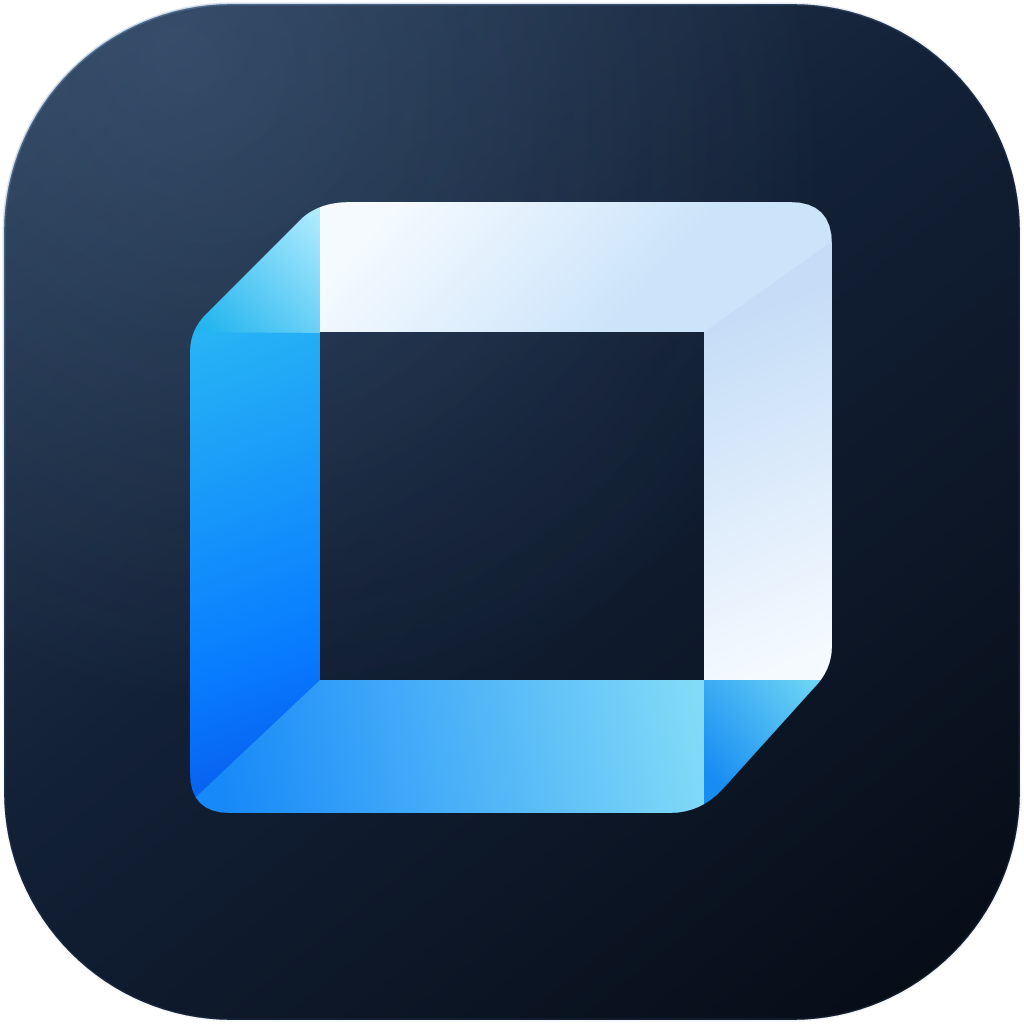
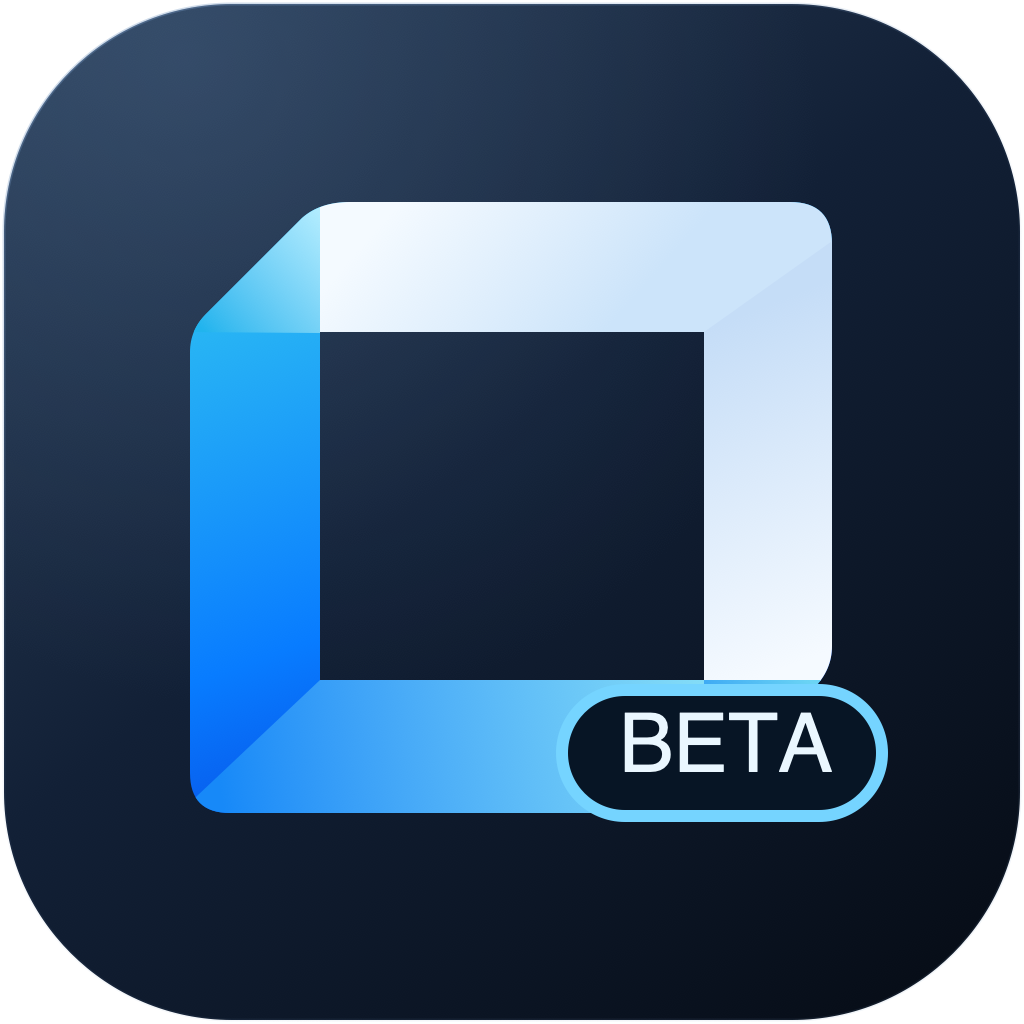
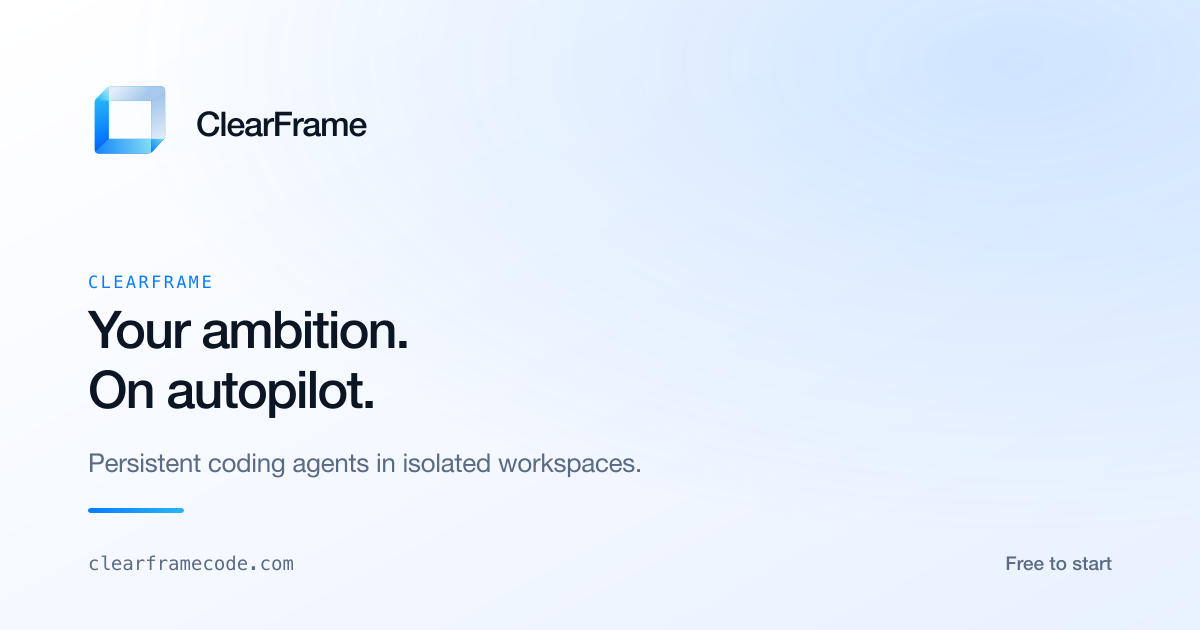
Marks, app icons, the icon family and the token files, ready to use. Keep clear space of at least one quarter of the mark's height on every side, and never recolour, rotate or add effects to a mark.


Icon family
Ten glyphs at a 24px box with a consistent stroke weight, rendered from the same sprite the UI kit ships.
Download the kit
Marks, icons, CSS, JSON tokens and usage notes, so a team can build inside the system rather than approximate it.